

Advertisement / Sponsored Content
This content is paid advertising and has been prepared in collaboration with the advertiser.
This post remains active as a legacy issue and is being phased out from January 2026.
Tasmanian Times no longer accepts requests for paid content or advertorials.
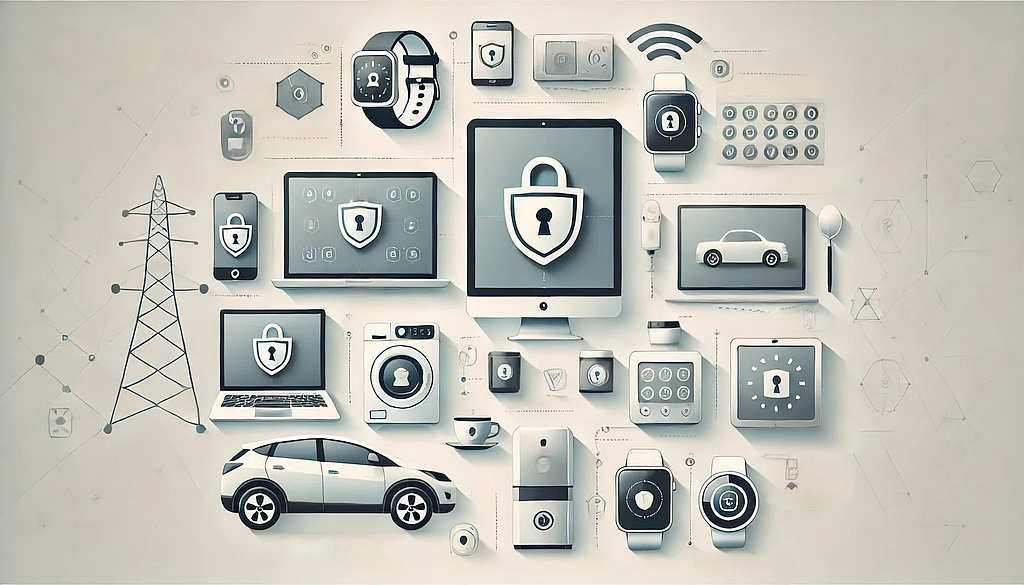
A few decades ago, the only devices hackers targeted were computers. You plug in a USB or a CD and install a “game” that is actually a virus. It makes a fake crack on your screen whenever you click the mouse. Most people were using their computers for simple tasks and games, so the severity of a hack was low. But now, everything has turned into computer-related tasks, and all parts of our lives are connected to the internet.
Start from social media and go all the way to banking apps – it’s all online. The connections transcend with physical devices like smart fridges, printers, CCTV cameras, and thermostats. Having IoT devices makes our lives easier. It also makes it easier for hackers to turn our lives into nightmares. The more devices you have plugged into the internet, the more personal information you share and the more weak points you create.
With all that said, which of your devices needs cybersecurity protection?
Laptops and Computers
Most people work on a computer or a laptop. It’s the primary way to interact with the internet, and, of course, that’s the first thing you need to protect. One great thing about macOS and Windows is that they both come with existing firewalls that cover most of your cybersecurity needs. If you’re using Linux, you have to focus on getting a firewall. Next, come cybersecurity tools like an anti-virus and a virtual private network. The anti-virus will check all files for malicious code and see if they’re malware in disguise. A virtual private network (VPN) will protect your network and keep your virtual identity secret online.
Smartphones and Tablets
If you’re not in front of your laptop or computer, you’re in front of your phone or tablet. Many people are doing their work on their smartphones (we’re looking at you, influencers). If you’re taking steps to protect your desktop device, you must pay the same attention to your mobile device. Phones and tablets don’t come with pre-built cybersecurity software, so you must take matters into your own hands. You’ve got to get a VPN and an anti-virus, and you should be super careful when downloading new applications. Hackers keep finding new ways to bypass the security requirements of the App Store and the Play Store. You also need to remember – never connect to a public Wi-Fi network without a VPN.
Smart TVs
Are you watching your smart TV, or is it watching you? That should be the first thought that comes to mind if your TV has a camera on it. Imagine another person staring at you through the screen. Not a pleasant feeling, right? Most smart TVs come with poorly configured security settings. As soon as you install it, turn off the microphone and camera settings and put tape over it, just in case. You also need to turn off data sharing with third parties and other providers. Next comes using a VPN. You need the best VPN for Apple TV or other smart TV of your choice because you don’t want hackers to find your IP address. Make sure you only download trusted apps because APKs can be riddled with viruses and malware.
Other Devices
After the TV comes a whole bunch of smart devices connected to the internet. That could be your gaming console, a printer, or even a fridge. No matter the case, IoT devices don’t have a reputation for being super secure. That’s why you need to use these tips to keep them protected:
- Keep cameras covered. Sometimes, a device has a camera that can’t be switched off – like a baby cam. Whenever you’re not using it, put a piece of tape over it. There have been situations where hackers have breached baby cams, and you don’t want to be on the receiving end of such an attack.
- Use 2FA and strong passwords. If you’re still using the factory-set password for your smart devices, your network has probably been breached. Passwords are super important. IoT devices were targeted 112 million times in 2022. In 2018, it was 38 million times. The increase is parabolic, and you have to make the switch to complex passwords. Remember to use a different one for every account.
- Download updates immediately. Every system update comes with an added security fix. For every device, go to the settings page and enable automatic updates. That will save you time and nerves if you forget to manually check for firmware and software updates.
- Research before buying. Smart devices gather loads of data. They have the capability, even though they were not built for it. But you should know about the data that’s sent to third parties from your home, as well as who the manufacturer is.
Advertisement / Sponsored Content — This content is a paid advertorial published in consideration of payment or other commercial benefit. The views, claims, statements, offers and representations are those of the advertiser and do not necessarily reflect the views of the publisher, which does not endorse or verify them. This material is provided for general promotional information only and does not constitute legal, financial, medical, investment or other professional advice; readers should make their own enquiries and seek professional advice before acting. Claims, testimonials and performance statements have not been independently verified unless stated. Offers and availability are subject to change and additional terms. This advertorial may contain links to third-party websites and the publisher may receive commissions or other benefits from reader engagement; the publisher is not responsible for third-party content or fulfilment. To the maximum extent permitted by Australian law, the publisher disclaims liability for reliance on this content, and nothing limits rights that cannot be excluded under the Australian Consumer Law. Where applicable, this advertorial is authorised by the advertiser and does not constitute independent editorial content.